
LiveUXI GSC Connect documentation
Version 0.3.1 · Support: plugins@liveuxi.com · Open settings · Go Pro · Status: API
What it does
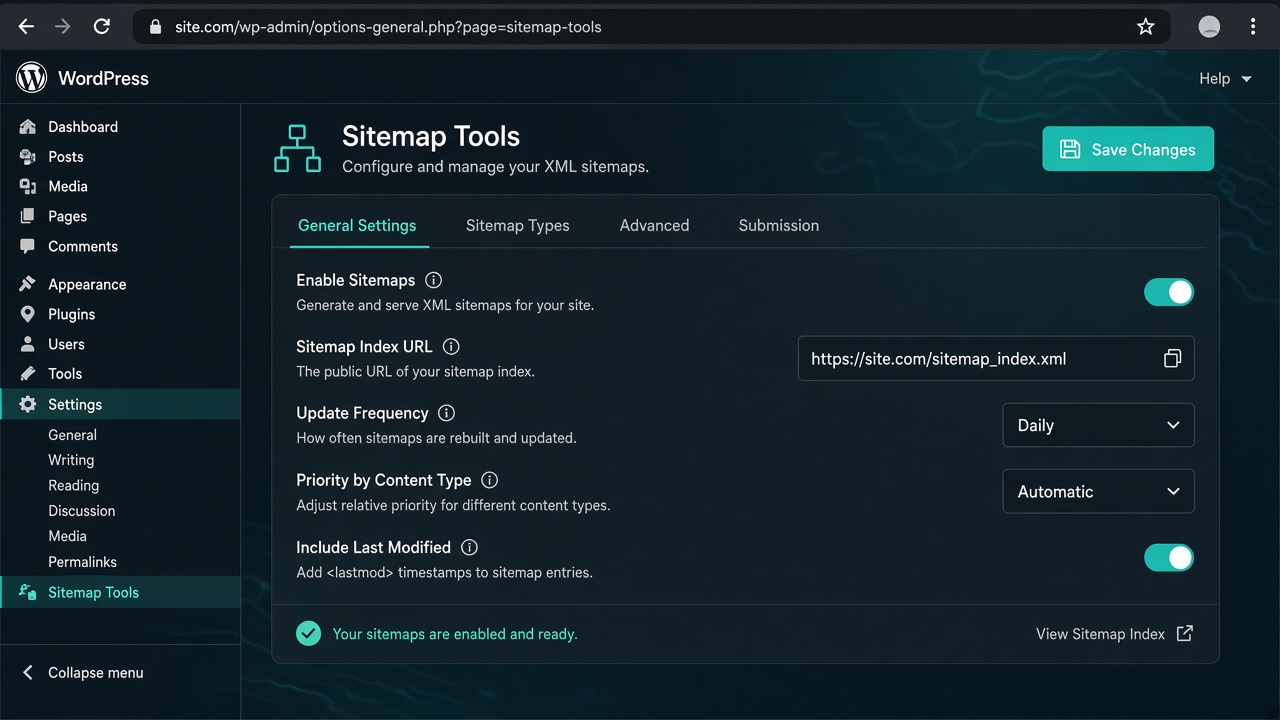
Finds your WordPress sitemap, lets you control what is listed, and helps you submit it to Google Search Console. Free features need no Google API keys.
Quick start
- Activate the plugin.
- Go to Settings → GSC Connect.
- Click Detect sitemap.
- Use What is in the sitemap to add/remove URLs and toggle content types.
- Copy the sitemap URL into Google Search Console → Sitemaps.
Sitemap content controls
- Toggles — posts, pages, categories, tags, author archives
- Add URLs — absolute URLs appear under
wp-sitemap-lxgsc-1.xml - Remove URLs — full URL or path (e.g.
/sample-page/) - Exclude IDs — comma-separated post/page IDs
Support
Email plugins@liveuxi.com or use the Support button in the plugin settings. Full markdown docs ship with the plugin as DOCS.md.
Pro
Pro (OAuth auto-submit, Indexing API helpers) is sold via LiveUXI Stripe checkout — not on WordPress.org. Upgrade page.